SWOOD CAM Training Course Outline
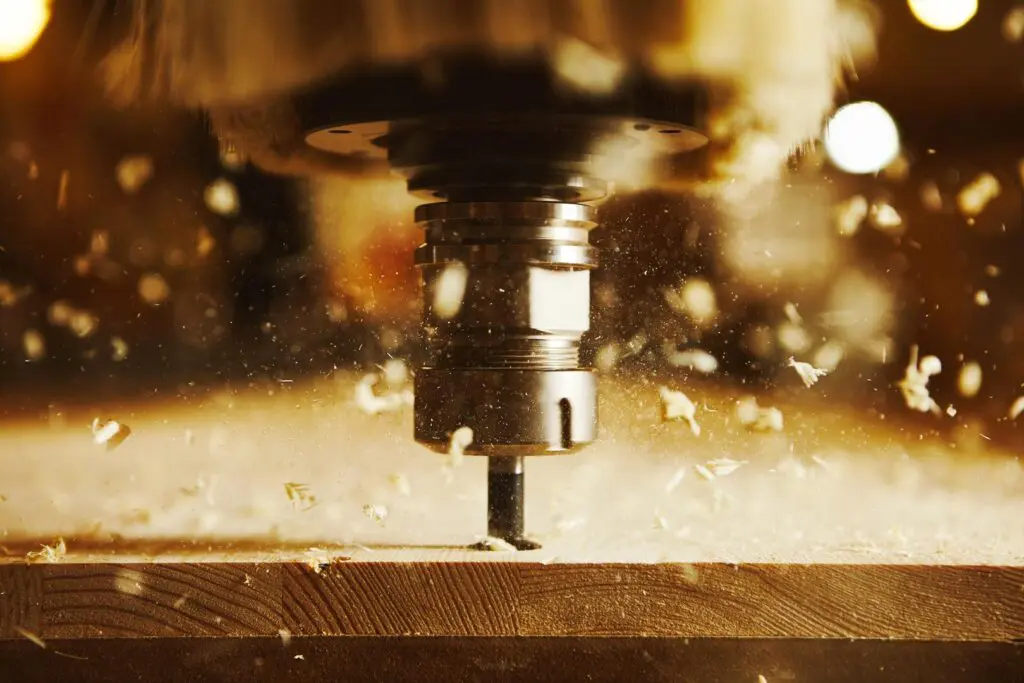
The course enables students to learn the SWOOD CAM interface and best practices. More specifically, users will learn to create machine tools and aggregates, program machinable features both automatically and interactively, and learn 4th and 5th axis programming. In addition, training items include toolpath simulation, post processing, generating shop reports, and SWOOD CAM Nesting capabilities (another module).
CAMWorks Turn & Mill-Turn Essentials Training Course Outline
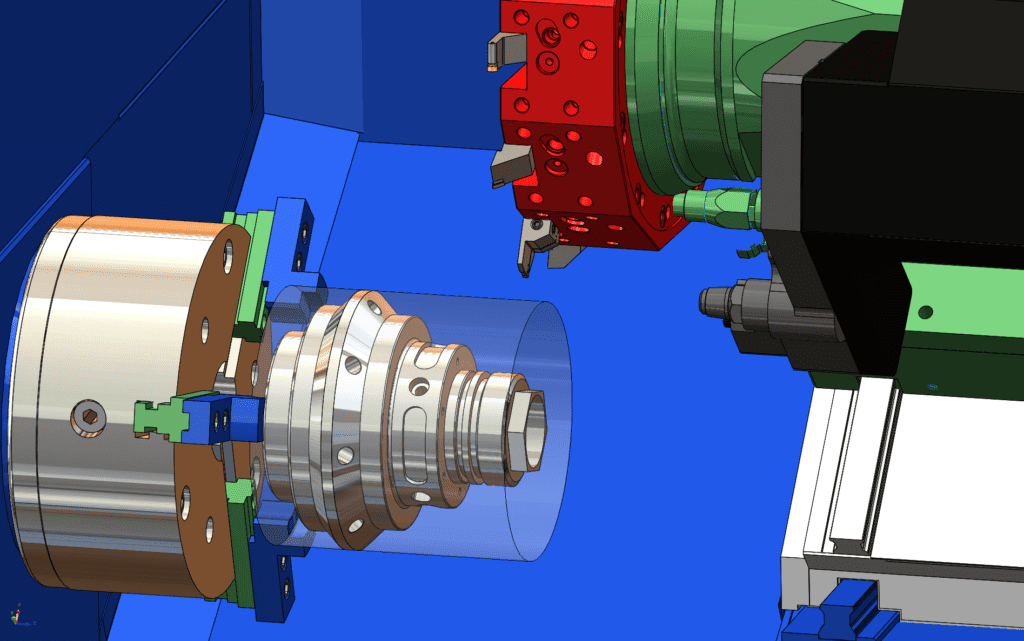
This course teaches how to leverage CAMWorks to program multi-tasking machining centers. This course will focus on how milling and turning capabilities can be used within the same machine.
CAMWorks Essentials 3 Axis Training Course Outline
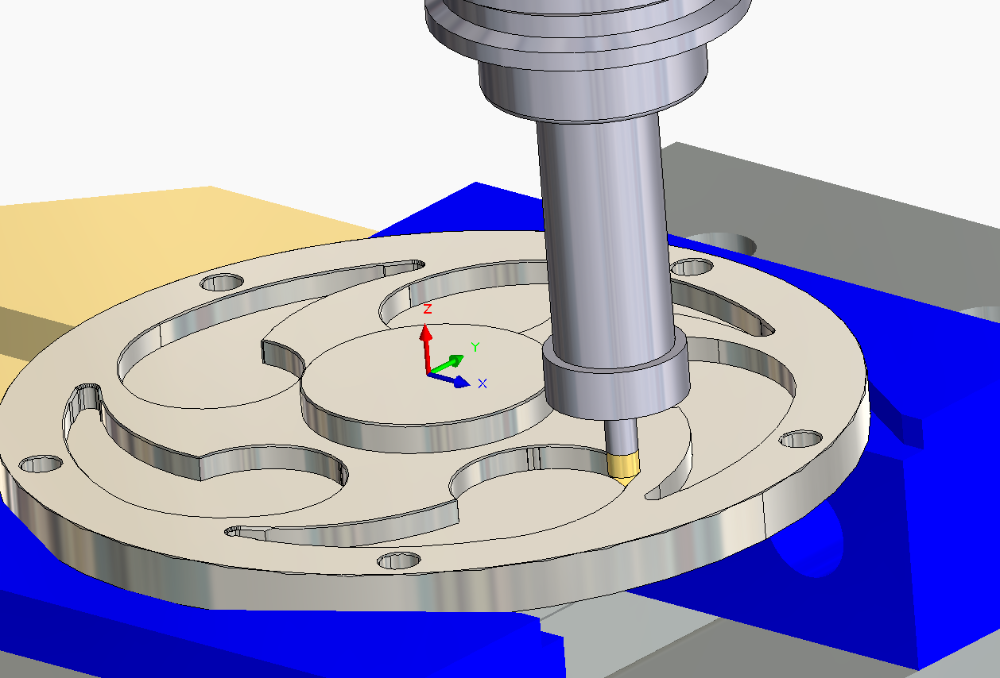
This course teaches how to use the 3 Axis Milling feature in the CAMWorks software to machine complex, contoured surfaces. Users will learn the multi surface features specifically for 3 axis operations and the processes needed to post process and simulate tool paths.
Using SOLIDWORKS PDM Training
The focus of this course is on the fundamental skills and concepts central to the successful use of SOLIDWORKS PDM. The intended audience for this course is anyone who will manage files with SOLIDWORKS PDM.
SOLIDWORKS PDM API Fundamentals Training
This course teaches programmers how to use the SOLIDWORKS PDM API (Application Programming
Interface) to automate and customize SOLIDWORKS
PDM. The focus of this course is on the fundamental skills and concepts needed to begin using the API to develop applications that can interact with SOLIDWORKS PDM.
SOLIDWORKS CAM Professional Training
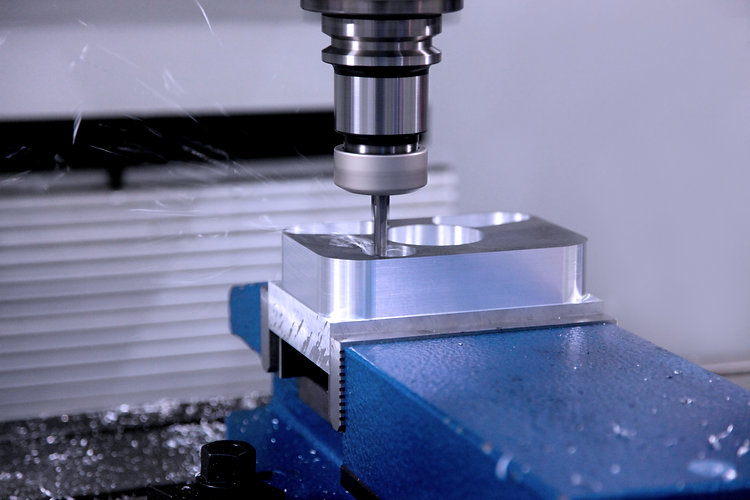
This course teaches how to use the SOLIDWORKS CAM Professional software to machine parts utilizing advanced functionality such as: CAM or SOLIDWORKS configurations, VoluMill, mill machining in the context of an assembly, and 3 + 2 machining. The course also teaches how to generate, modify and post process 2 axis turning toolpaths used for the machining of SOLIDWORKS part files.
SOLIDWORKS CAM Standard Training
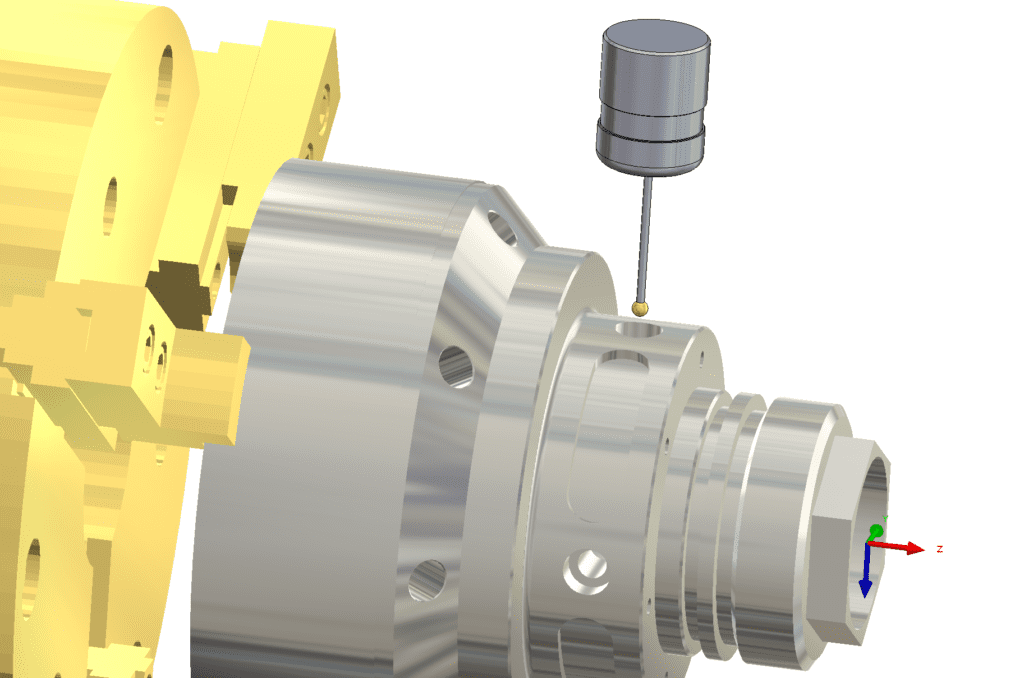
This course introduces fundamentals and best practices in SOLIDWORKS CAM. The goal is to build on the current knowledge of designers or engineers in generating, modifying and post process 2.5 axis milling tool paths used for machining parts.
SOLIDWORKS Composer Essentials Training

This course teaches you how to use the SOLIDWORKS Composer software to create 2D and 3D output from CAD design data. This course is compatible with version 2018.
SOLIDWORKS PCB Essentials Training
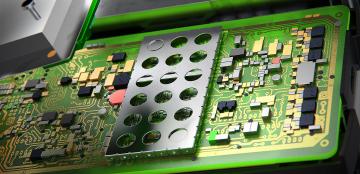
Learn how to develop schematics for your board layouts, add components and assign supplier links, and check design integrity using rules. Create PCB designs using configurable layer stacks, add keepouts and cutouts, place and route components, and add copper pours. Learn how to collaborate seamlessly with SOLIDWORKS to finalize the designs, with a managed ECO change process.
SOLIDWORKS Electrical – Advanced Training
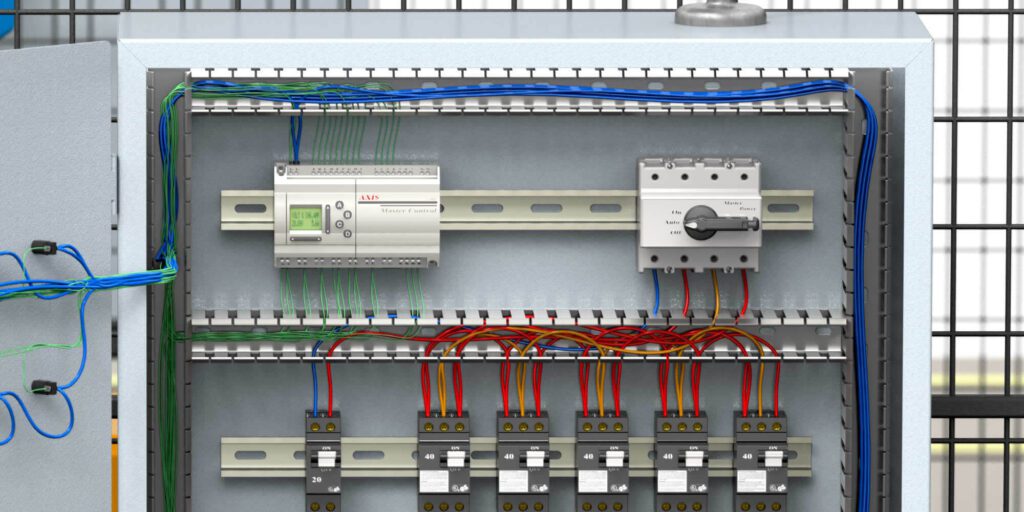
The goal of this course is to teach you more advanced topics not covered in the standard SOLIDWORKS Electrical training courses, specifically: harness in SOLIDWORKS Electrical schematic and 3D, symbol creation methods,
schematic GA layouts and optimized wiring, wires and equipotentials, and much more.