Skip to content

CAD Micro is now part of: description

Learn More >>
Together with GoEngineer, you will get local, personal customer service and support, now with access to even more resources. For more detailed questions & answers, please visit our FAQ.
  • Toll-free: +1 888-401-5885
  • info@goengineer.com
  • Events Calendar
  • Training Calendar
Buy SOLIDWORKS
Request A Quote
  • Company
    • About
      • Locations
      • Why work with us?
    • Blog
    • Contact
    • Events
    • Promotions
  • Solutions
    • 3D Scanning & Metrology
      • Artec
      • Zeiss
      • Reverse Engineering
    • Advanced Manufacturing
      • 3D Printers
        • BigRep
        • BLT
        • HP 3D Printers
        • Intamsys
        • Formlabs
        • MakerBot
        • Markforged
        • Mosaic
        • Stratasys
        • UltiMaker
      • CNC
        • CAMWORKS
        • SOLIDWORKS CAM
        • SWOOD CAM
        • DFMPro
        • WAZER
      • Marking Systems
    • Design Software
      • DraftSight
      • 3DEXPERIENCE
        • Advanced Simulation
        • Design Engineering
        • Governance & Collaboration
        • Manufacturing & Production
        • Marketing & Sales
        • CST Studio Suite 
      • Cadence
        • Allegro X
        • OrCAD X
      • Camnetics
      • Components Engine
      • Driveworks
      • Manufacturing
        • 3DEXPERIENCE DELMIA
        • CAMWORKS
        • Smap3D
        • SolidSteel Parametric 
        • DFMPro
        • SWOOD
          • CAM
          • Design
          • Nesting
      • SOLIDWORKS
    • Entrepreneurs & Startups
    • Immersive Display (AR/VR/XR)
      • 3DEXPERIENCE
        • 3D Motion Creator
        • Immersive Collaboration Experience
        • Virtual Reality Reviewer
      • Fuzor
      • SOLIDWORKS Visualize
      • Visual Components
      • Visual Experience Designer
    • Industry
      • Aerospace
      • Automotive
      • Consumer Goods
      • Defence
      • Food & Beverage
      • Healthcare
      • Higher Education solutions
      • Oil & Gas
    • Simulation
      • CST Studio Suite 
      • Computational Fluid Dynamics
      • Electromagnetic simulation
      • Plastics Injection Molding
      • Structural Simulation
      • SIMULIA
      • SIMULIAworks
      • EMWorks
      • Simerics
  • Services
    • Business Process Analysis
    • Advanced Manufacturing
    • Customer Experience Centre
    • Custom Programming
    • Design Automation / CPQ
  • Support
    • 3DEXPERIENCE FAQ
    • Resource Library
    • Toll free: 1-888-401-5885
    • Phone: 416-213-0533
    • Email: support@goengineer.com
  • Training
    • 3DEXPERIENCE
    • SOLIDWORKS
    • Additive Manufacturing
    • AR/VR
    • 3D Scanning
    • Training Calendar
  • Resources
    • Document Library
    • Blog
  • Shop
  • Company
    • About
      • Locations
      • Why work with us?
    • Blog
    • Contact
    • Events
    • Promotions
  • Solutions
    • 3D Scanning & Metrology
      • Artec
      • Zeiss
      • Reverse Engineering
    • Advanced Manufacturing
      • 3D Printers
        • BigRep
        • BLT
        • HP 3D Printers
        • Intamsys
        • Formlabs
        • MakerBot
        • Markforged
        • Mosaic
        • Stratasys
        • UltiMaker
      • CNC
        • CAMWORKS
        • SOLIDWORKS CAM
        • SWOOD CAM
        • DFMPro
        • WAZER
      • Marking Systems
    • Design Software
      • DraftSight
      • 3DEXPERIENCE
        • Advanced Simulation
        • Design Engineering
        • Governance & Collaboration
        • Manufacturing & Production
        • Marketing & Sales
        • CST Studio Suite 
      • Cadence
        • Allegro X
        • OrCAD X
      • Camnetics
      • Components Engine
      • Driveworks
      • Manufacturing
        • 3DEXPERIENCE DELMIA
        • CAMWORKS
        • Smap3D
        • SolidSteel Parametric 
        • DFMPro
        • SWOOD
          • CAM
          • Design
          • Nesting
      • SOLIDWORKS
    • Entrepreneurs & Startups
    • Immersive Display (AR/VR/XR)
      • 3DEXPERIENCE
        • 3D Motion Creator
        • Immersive Collaboration Experience
        • Virtual Reality Reviewer
      • Fuzor
      • SOLIDWORKS Visualize
      • Visual Components
      • Visual Experience Designer
    • Industry
      • Aerospace
      • Automotive
      • Consumer Goods
      • Defence
      • Food & Beverage
      • Healthcare
      • Higher Education solutions
      • Oil & Gas
    • Simulation
      • CST Studio Suite 
      • Computational Fluid Dynamics
      • Electromagnetic simulation
      • Plastics Injection Molding
      • Structural Simulation
      • SIMULIA
      • SIMULIAworks
      • EMWorks
      • Simerics
  • Services
    • Business Process Analysis
    • Advanced Manufacturing
    • Customer Experience Centre
    • Custom Programming
    • Design Automation / CPQ
  • Support
    • 3DEXPERIENCE FAQ
    • Resource Library
    • Toll free: 1-888-401-5885
    • Phone: 416-213-0533
    • Email: support@goengineer.com
  • Training
    • 3DEXPERIENCE
    • SOLIDWORKS
    • Additive Manufacturing
    • AR/VR
    • 3D Scanning
    • Training Calendar
  • Resources
    • Document Library
    • Blog
  • Shop
12 events found.

Training

  1. Events
  2. Training

Events Search and Views Navigation

Event Views Navigation

  • List
  • Month
  • Day
Today
  • May 2025

  • Tue 27
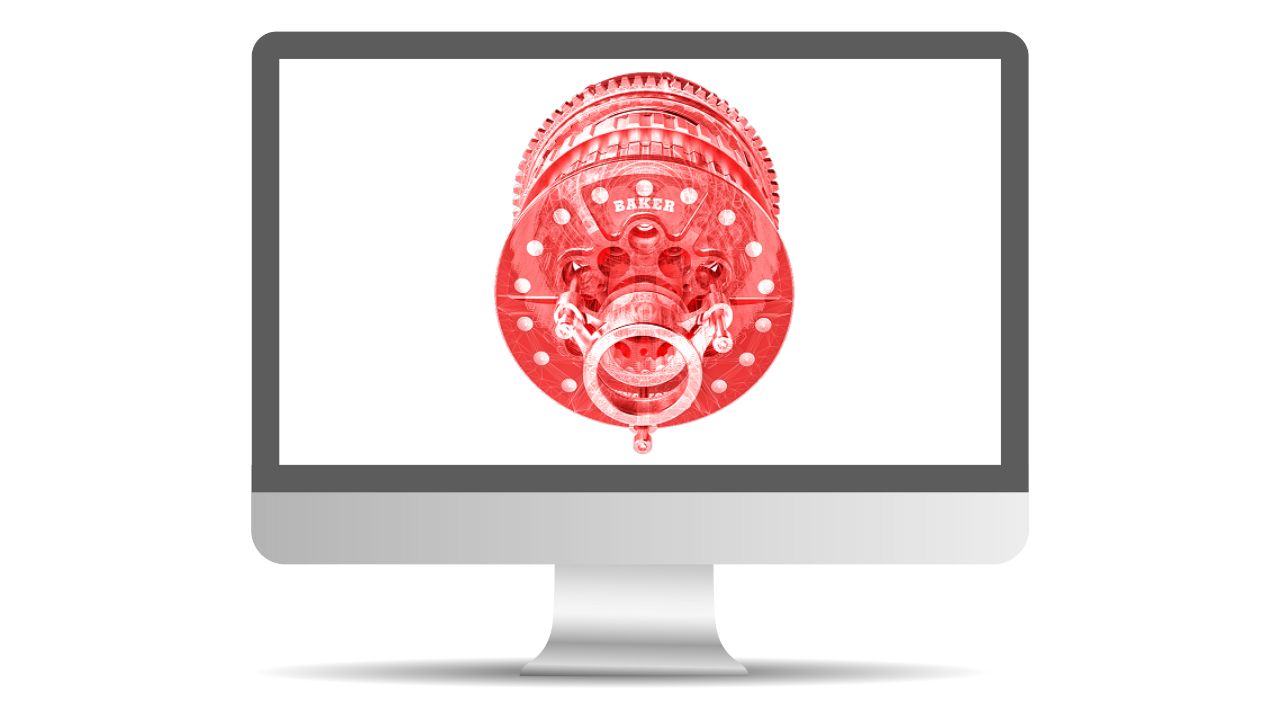
    SW CAD software on screen
    May 27 @ 1:00 pm - May 29 @ 4:00 pm EDT

    SOLIDWORKS Weldments – Online

    SOLIDWORKS Weldments course will teach you how to create welded structures with standard structural members and weld beads.

  • Tue 27
    SW CAD software on screen
    May 27 @ 1:00 pm - May 30 @ 4:00 pm EDT

    SOLIDWORKS Surface Modeling Training – Online

    Learn how to build free form shapes, repair imported geometry, use surface to create complex features in SolidWorks.

  • Tue 27
    SW CAD software on screen
    May 27 @ 1:00 pm - June 6 @ 4:00 pm EDT

    SOLIDWORKS Essentials – Online

    SOLIDWORKS Essentials teaches students how to use the SOLIDWORKS mechanical design automation software to build parametric models of parts and assemblies, and prepare drawings of those parts and assemblies.
  • June 2025

  • Mon 2
    SW CAD software on screen
    June 2 @ 9:00 am - June 6 @ 5:00 pm EDT

    SOLIDWORKS Essentials: Parts, Assemblies & Drawings – Cambridge

    CAD Micro - Cambridge 225 Pinebush Road, Unit 102, Cambridge, Ontario, Canada

    SolidWorks Parts, Assemblies & Drawings teaches students how to use the SolidWorks mechanical design automation software to build parametric models of parts and assemblies, and how to make manufacturing ready drawings.

  • Mon 2
    SW CAD software on screen
    June 2 @ 9:00 am - June 12 @ 12:00 pm EDT

    SOLIDWORKS Essentials – Online

    SOLIDWORKS Essentials teaches students how to use the SOLIDWORKS mechanical design automation software to build parametric models of parts and assemblies, and prepare drawings of those parts and assemblies.
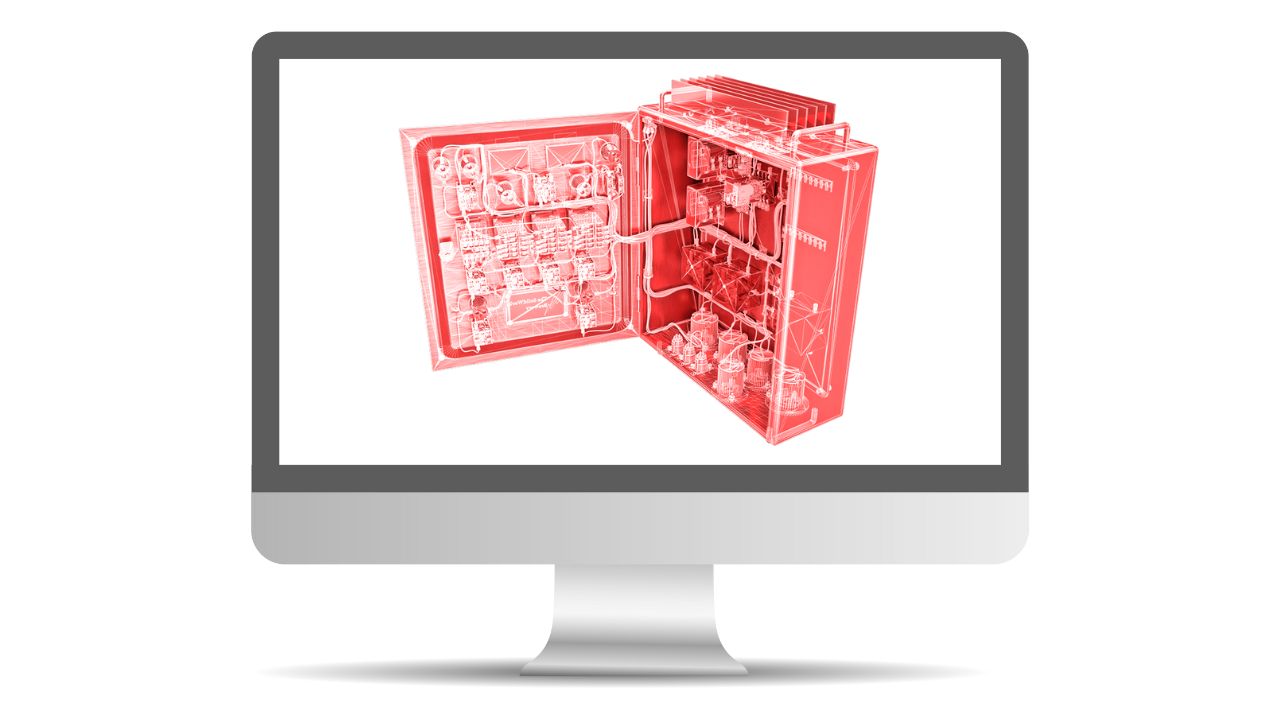
  • Mon 2
    SW electrical illustration on screen
    June 2 @ 1:00 pm - June 11 @ 4:00 pm EDT

    SOLIDWORKS Electrical Schematics – Online

    This course teaches you how to use SOLIDWORKS Electrical Schematic software.

  • Mon 2
    SW CAD software on screen
    June 2 @ 1:00 pm - June 12 @ 4:00 pm EDT

    SOLIDWORKS Essentials – Online

    SOLIDWORKS Essentials teaches students how to use the SOLIDWORKS mechanical design automation software to build parametric models of parts and assemblies, and prepare drawings of those parts and assemblies.

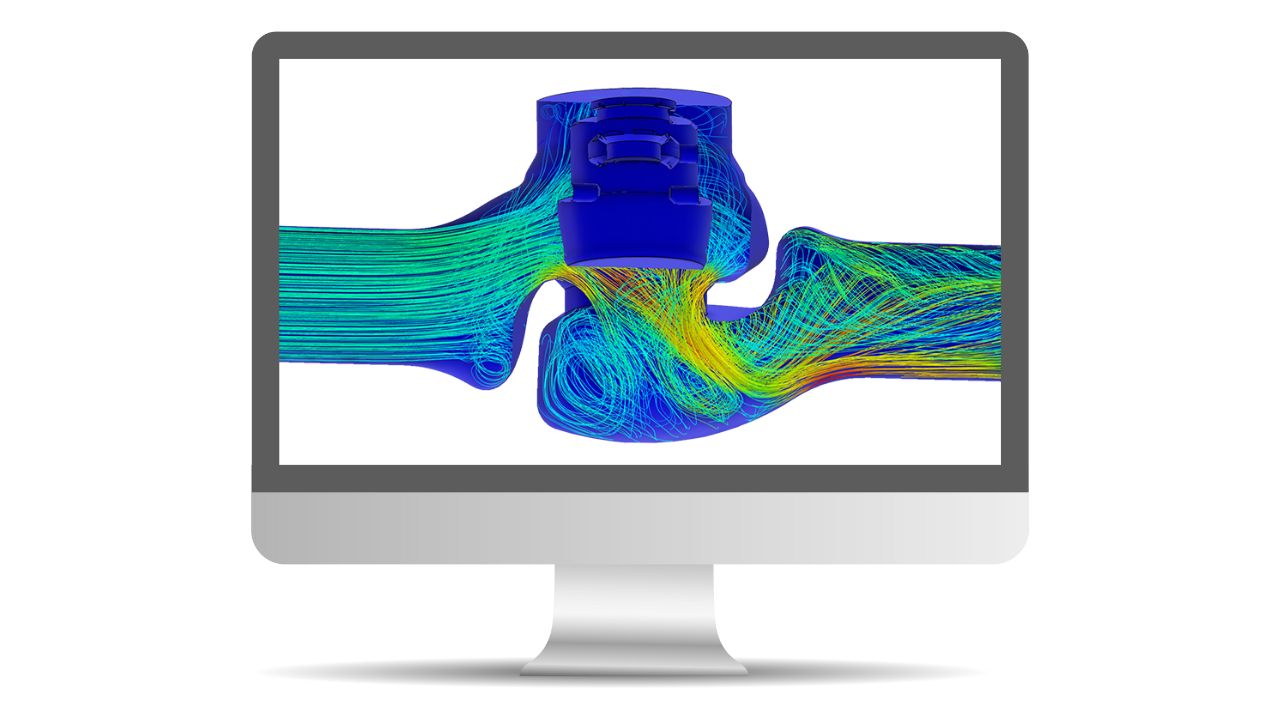
  • Mon 9
    simulation software on screen
    June 9 @ 1:00 pm - June 13 @ 4:00 pm EDT

    SOLIDWORKS Simulation Essentials – Online

    This course will provide an in-depth coverage on the basics of Finite Element Analysis (FEA).

  • Mon 16
    simulation software on screen
    June 16 @ 1:00 pm - June 18 @ 4:00 pm EDT

    SOLIDWORKS Simulation Advanced – Online

    This course will provide an in-depth coverage on the advanced topics in Finite Element Analysis (FEA) covering the entire process from meshing to evaluation of results for parts and assemblies.
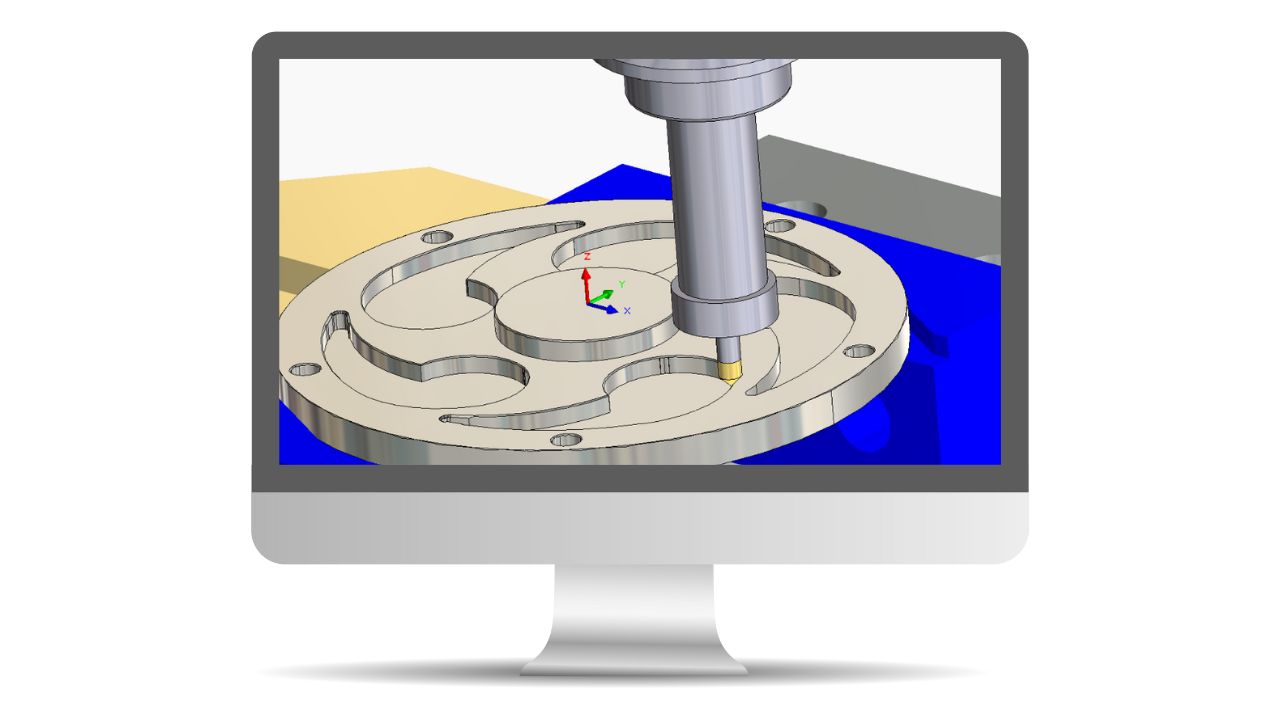
  • Mon 23
    CAM Software on screen
    June 23 @ 9:00 am - June 26 @ 12:00 pm EDT

    SOLIDWORKS CAM Professional – Online

    This course teaches how to use the SOLIDWORKS CAM Professional software to machine parts utilizing advanced functionality such as: CAM or SOLIDWORKS configurations, VoluMill, mill machining in the context of an assembly, 3 + 2 machining, and 2 axis turning toolpaths used for the machining of SOLIDWORKS part files.

  • Mon 23
    SW CAD software on screen
    June 23 @ 9:00 am - July 3 @ 12:00 pm EDT

    SOLIDWORKS Essentials – Online

    SOLIDWORKS Essentials teaches students how to use the SOLIDWORKS mechanical design automation software to build parametric models of parts and assemblies, and prepare drawings of those parts and assemblies.

  • Mon 23
    SW electrical illustration on screen
    June 23 @ 1:00 pm - June 26 @ 4:00 pm EDT

    SOLIDWORKS Routing: Electrical – Online

    Routing – Electrical explains how to create, edit and manage Electrical routes, from the critical routing components and their design requirements to the sub-assemblies that contain the routes.

  • Previous Events
  • Today
  • Next Events
  • Google Calendar
  • iCalendar
  • Outlook 365
  • Outlook Live
  • Export .ics file
  • Export Outlook .ics file

Contact

Toll-free: +1 888-401-5885

Tel: +1 416-213-0533

info@goengineer.com

Canadian Head Office

Facebook X-twitter Instagram Youtube Tiktok Linkedin

company

  • About
  • Contact
  • Events
  • Privacy Policy
  • Testimonials
  • Site Map

Products

  • 3D Scanners
  • 3D Printers
  • Design Software
  • Shop
  • Simulation software

Services

  • 3D Printing
  • Business Process Analysis
  • Certified Training
  • Experience Centre

CAD MicroSolutions Inc. © 2025| All Rights Reserved

contact us

Complete the form below, and a member of our expert team will reach out to you as soon as possible. If you require immediate assistance please contact us toll-free at: 1-888-401-5885

Live training events

Complete the form below and one of our team members will reach out to you as soon as possible to confirm your booking. If you need additional support, please contact us toll-free at: Toll-free: 1-888-401-5885 

Draftsight enterprise | contact form

Complete the form below, and a member of our expert team will reach out to you as soon as possible. If you require immediate assistance please contact us toll-free at: Toll-free: 1-888-401-5885

Request A quote

Complete the form below, and a member of our expert team will reach out to you as soon as possible. If you require immediate assistance please contact us toll-free at: Toll-free: 1-888-401-5885