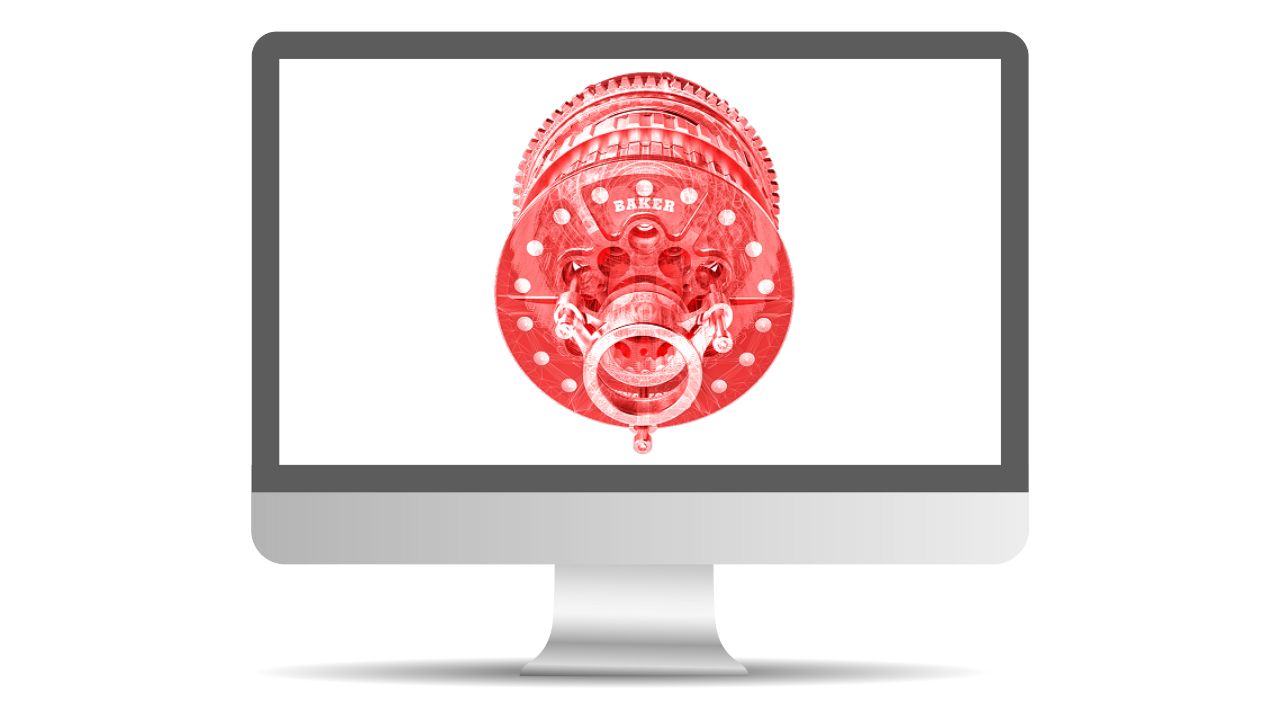
SOLIDWORKS Essentials teaches students how to use the SOLIDWORKS mechanical design automation software to build parametric models of parts and assemblies, and prepare drawings of those parts and assemblies.
CAD Micro is now part of: 

|
Monday
|
Tuesday
|
Wednesday
|
Thursday
|
Friday
|
Saturday
|
Sunday
|
|---|---|---|---|---|---|---|
|
1 event,
SOLIDWORKS Essentials teaches students how to use the SOLIDWORKS mechanical design automation software to build parametric models of parts and assemblies, and prepare drawings of those parts and assemblies. |
5 events,
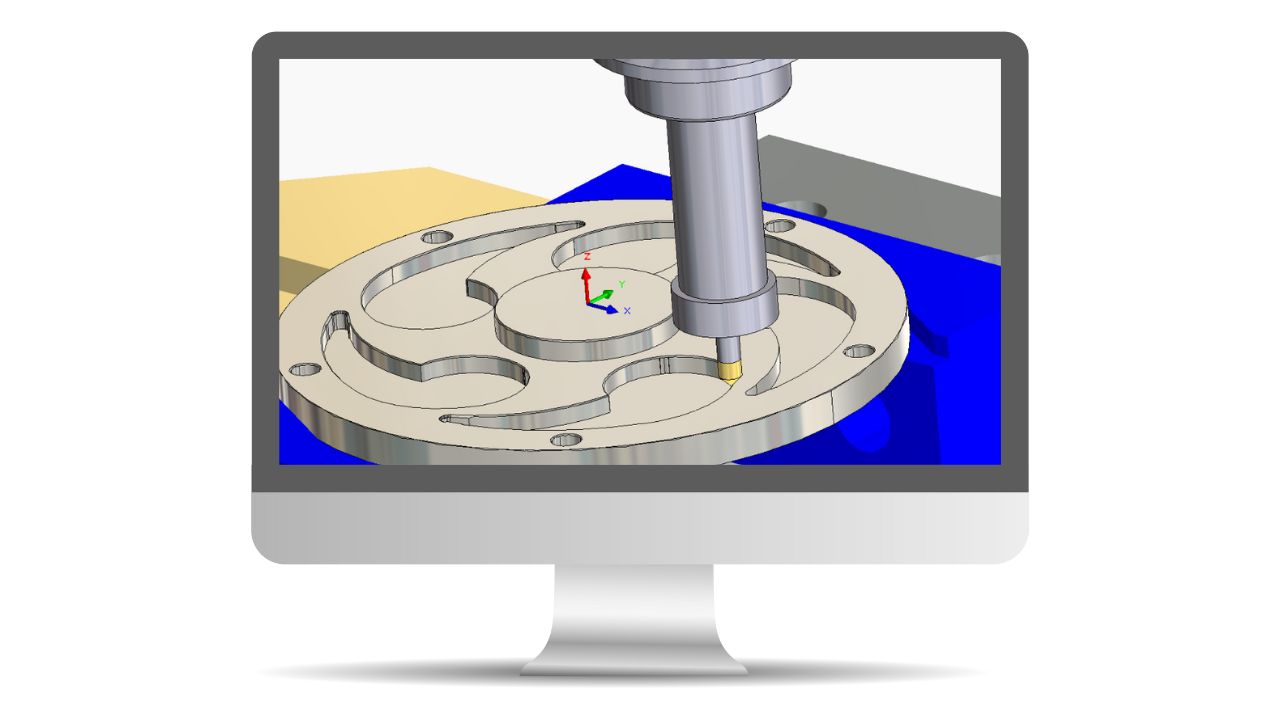
This course introduces fundamentals and best practices in SOLIDWORKS CAM. The goal is to build on the current knowledge of designers or engineers in generating, modifying and post process 2.5 axis milling tool paths used for machining parts.
Learn how to build free form shapes, repair imported geometry, use surface to create complex features in SolidWorks.
SOLIDWORKS Weldments course will teach you how to create welded structures with standard structural members and weld beads.
SOLIDWORKS Essentials teaches students how to use the SOLIDWORKS mechanical design automation software to build parametric models of parts and assemblies, and prepare drawings of those parts and assemblies. |
1 event,
|
1 event,
|
|||
|
5 events,
SOLIDWORKS Essentials teaches students how to use the SOLIDWORKS mechanical design automation software to build parametric models of parts and assemblies, and prepare drawings of those parts and assemblies.
SolidWorks Parts, Assemblies & Drawings teaches students how to use the SolidWorks mechanical design automation software to build parametric models of parts and assemblies, and how to make manufacturing ready drawings. 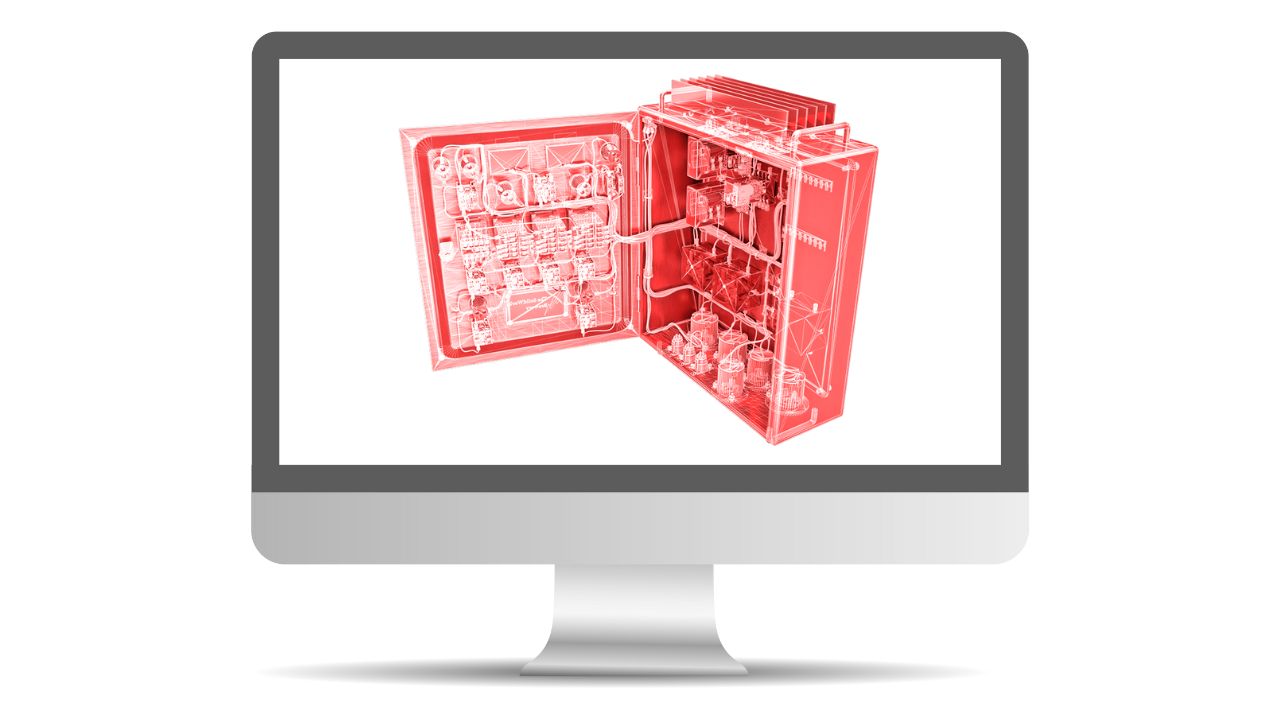
This course teaches you how to use SOLIDWORKS Electrical Schematic software.
SOLIDWORKS Essentials teaches students how to use the SOLIDWORKS mechanical design automation software to build parametric models of parts and assemblies, and prepare drawings of those parts and assemblies. |
||||||
|
4 events,
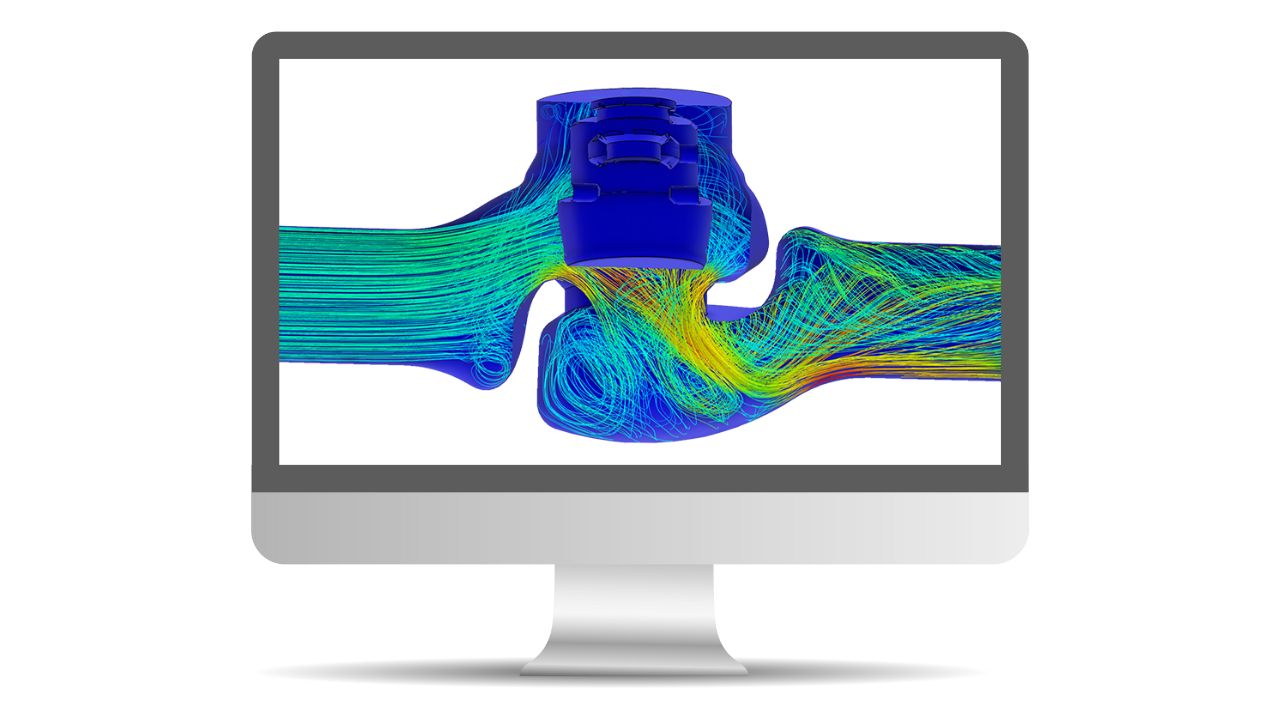
This course will provide an in-depth coverage on the basics of Finite Element Analysis (FEA). |
0 events,
|
0 events,
|
||||
|
1 event,
This course will provide an in-depth coverage on the advanced topics in Finite Element Analysis (FEA) covering the entire process from meshing to evaluation of results for parts and assemblies. |
0 events,
|
0 events,
|
0 events,
|
0 events,
|
||
|
3 events,
This course teaches how to use the SOLIDWORKS CAM Professional software to machine parts utilizing advanced functionality such as: CAM or SOLIDWORKS configurations, VoluMill, mill machining in the context of an assembly, 3 + 2 machining, and 2 axis turning toolpaths used for the machining of SOLIDWORKS part files.
SOLIDWORKS Essentials teaches students how to use the SOLIDWORKS mechanical design automation software to build parametric models of parts and assemblies, and prepare drawings of those parts and assemblies.
Routing – Electrical explains how to create, edit and manage Electrical routes, from the critical routing components and their design requirements to the sub-assemblies that contain the routes. |
1 event,
|
1 event,
|
1 event,
|
|||
|
1 event,
|
1 event,
|
1 event,
|
1 event,
|
0 events,
|
0 events,
|
0 events,
|